4G solar security cameras: how to choose one and set it up properly

AI-generated illustration
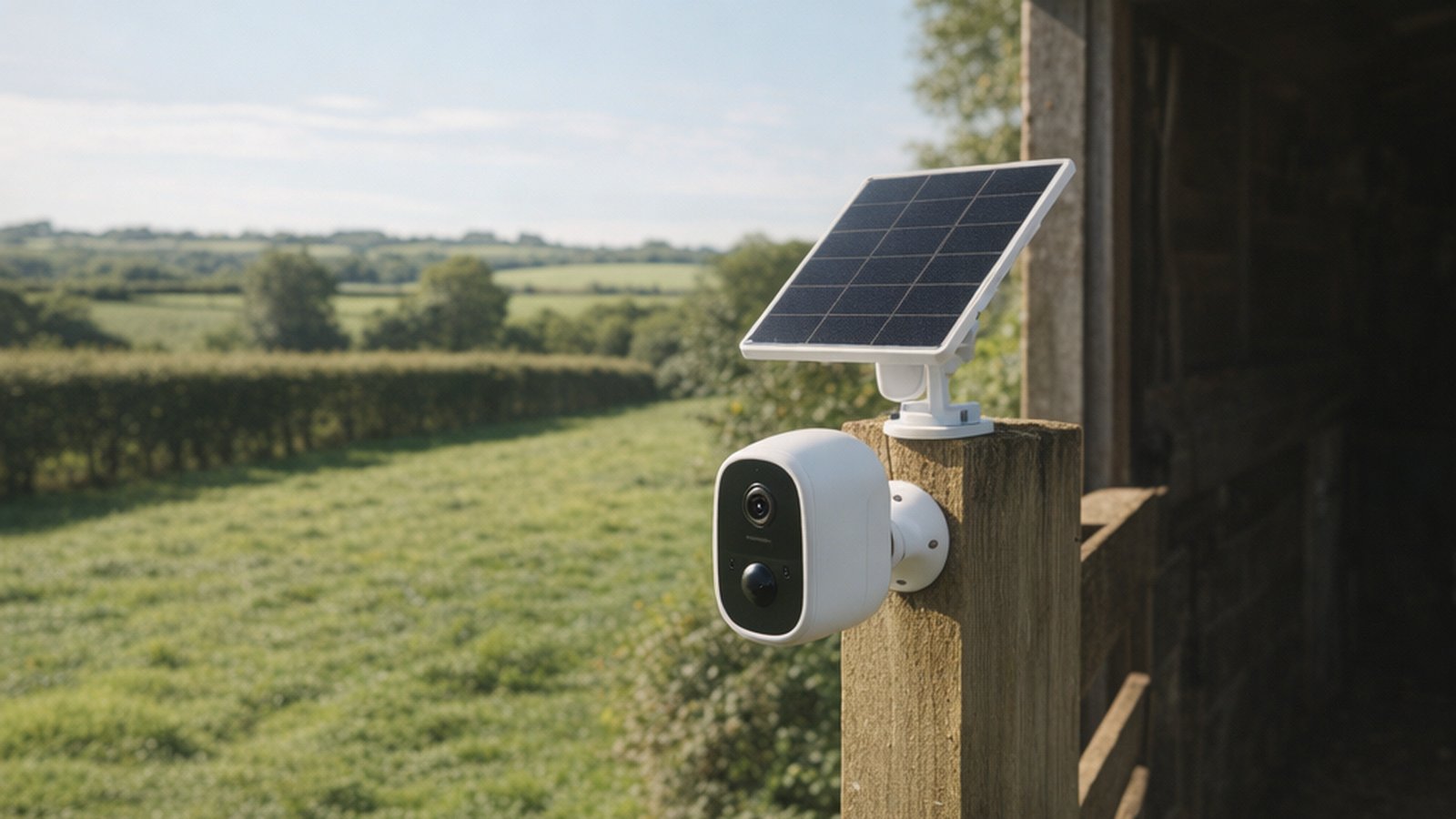
A 4G solar security camera needs no Wi-Fi and no power cable. It connects through the mobile phone network and keeps itself charged with a small solar panel. That makes it ideal for places your home Wi-Fi does not reach: an allotment, a stable, a caravan, a farm building or the end of a long garden.
But in my experience they are also the cameras most likely to disappoint, almost always because of setup, not the camera.
Some links below are Amazon links. If you buy through them we may earn a small commission at no extra cost to you. As an Amazon Associate I earn from qualifying purchases.
Where 4G cameras make sense
- No Wi-Fi at the location: sheds, stables, allotments, outbuildings
- No power: fields, gates, building sites
- Temporary locations: caravans, holiday lets, a property being renovated
If your home Wi-Fi reaches the spot, a normal Wi-Fi camera is usually simpler and cheaper to run. See the best cameras with no monthly fee.
Mistake 1: The solar panel is in the shade
A solar panel only works in direct sunlight. In the UK, especially from October to March, a panel in shade will not keep the battery topped up and the camera will go flat.
Get it right:
- Put the panel where it gets sun for most of the day, ideally facing south
- Avoid trees, walls and roof overhangs that cast shadows, and remember shadows are longer in winter
- Mount the panel separately from the camera if needed. Most come on their own cable, so the camera can be in the shade while the panel sits in the sun.
- Keep the panel clean. Dirt, leaves and bird droppings cut its output.
Mistake 2: Relying on the SIM in the box
Many 4G cameras come with a SIM card already included. That SIM uses one particular mobile network, and if that network is weak where the camera is, the camera will keep dropping out, uploading slowly or missing alerts.
Get it right:
- Go to the exact spot where the camera will go, with your phone.
- Check the signal. If friends or family use different networks, ask them to check too. Coverage checkers on the network websites help, but a real phone at the real spot is more reliable.
- Buy a pay-as-you-go data SIM on the strongest network. The main UK networks are EE, O2, Three and Vodafone. Many cheaper brands run on them, so you can pick a low-cost plan on the network you need.
- Check the camera accepts your SIM. Read the instructions first. Some cameras need the SIM’s PIN lock turned off, which you can do by putting it in a phone first.
Data: how much you use depends on how often the camera records and how much you watch the live view. Start with a modest plan and check the usage after the first month.
Mistake 3: Watching the live view too much
Every time you open the live view, the camera wakes up, uses battery and uses mobile data. Let the camera send you alerts instead and only check the live view when something happens.
Mistake 4: Mounting it too high
As with any camera, mount it at about 2.5 to 3 metres, angled slightly down. Higher than that and the motion sensor covers less ground and you lose faces. See where CCTV cameras should go.
Choosing a 4G solar camera
Look for:
- A solar panel included or available as an extra
- Local storage (on the camera or a memory card), so you are not forced into a subscription
- Person detection, so it is not woken by animals and trees
- A strong mounting bracket for exposed locations
Options worth looking at include the Reolink Go PT Ultra (4K, solar, pan and tilt, 4G LTE) and the eufy 4G LTE Cam S330 (4K, solar, 4G and Wi-Fi dual-mode). Check the current model, what is in the box and whether a SIM is included before you buy.
Setup checklist
| Before you fit it | Done? |
|---|---|
| Signal checked at the exact spot with a phone | |
| Data SIM on the strongest network, PIN lock off | |
| Solar panel in direct sun, facing south if possible | |
| Camera at 2.5 to 3 metres, angled down | |
| Person detection and alerts on | |
| Data usage checked after the first month |
For more common problems, see home CCTV setup mistakes.
Common questions
Do 4G security cameras need a SIM card?
Which SIM card is best for a 4G camera?
How much data does a 4G camera use?
Will a solar panel keep the camera charged in winter?
Where are 4G cameras most useful?
Related guides

Home CCTV setup mistakes: why your cameras aren't working properly
The most common home camera setup mistakes, from Wi-Fi and 4G signal to battery drain and missed alerts, and how to fix each one.

Best home CCTV and security cameras UK: no subscription
The best UK home security cameras with no subscription, from budget picks to wired systems. Chosen by a former RAF Police security professional.

Security camera won't connect to Wi-Fi? The 2.4GHz fix and other solutions
Why security cameras won't connect to Wi-Fi and how to fix it: 2.4GHz vs 5GHz, combined network names, weak signal and UK router settings.