Home CCTV setup mistakes: why your cameras aren't working properly

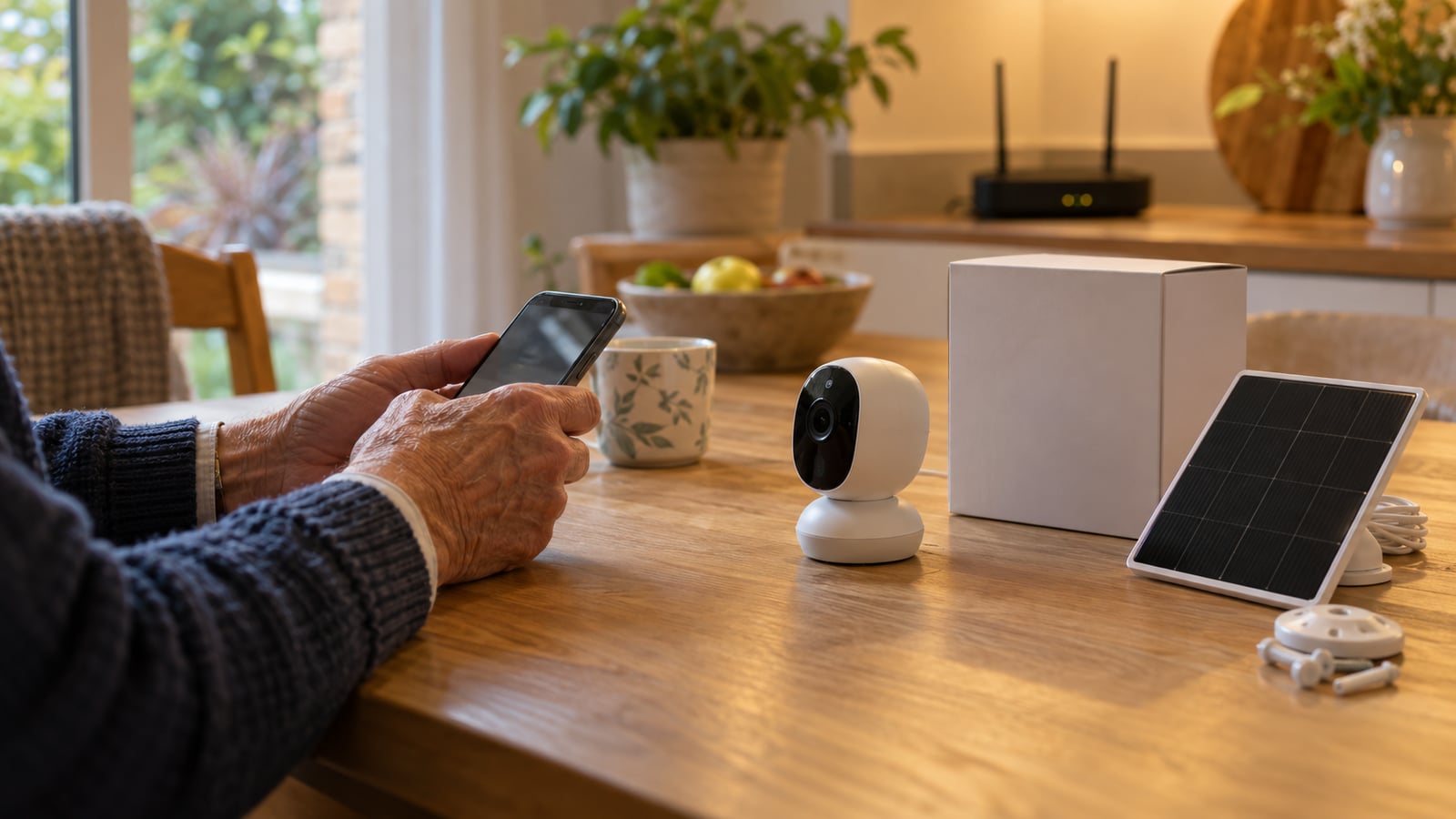
AI-generated illustration
Good home security cameras are cheaper and better than ever. eufy, Tapo and Reolink all make excellent cameras for the home. In my experience, when they do not work well, the camera is rarely the problem. It is the setup.
These are the mistakes I see most often, and how to fix each one.
1. The Wi-Fi is on the wrong band
Most home security cameras only connect to 2.4GHz Wi-Fi. Your router probably broadcasts two kinds of Wi-Fi: 2.4GHz and 5GHz. Many routers combine both under one network name, and the camera can struggle to connect.
How to fix it:
- Check your router broadcasts 2.4GHz. Nearly all do, but some have it switched off, or hidden behind a single combined name.
- If setup keeps failing, log in to your router (the details are usually on a sticker on the router) and give the 2.4GHz network its own name for setup. Your internet provider’s help pages will show you how.
- Do the setup close to the router, then move the camera to its final spot.
2.4GHz is not a worse choice for cameras. It reaches further and passes through walls better than 5GHz, which is why cameras use it.
Full step-by-step fix: security camera won’t connect to Wi-Fi.
2. The Wi-Fi does not reach the camera
A camera that connected perfectly in the kitchen can drop out at the end of the garden.
How to fix it: before fitting, stand where the camera will go and check the Wi-Fi signal on your phone. If it is weak, move the camera, move the router, or add a mesh Wi-Fi point or a Wi-Fi extender closer to the camera.
3. 4G solar cameras in the wrong spot, or on the wrong network
4G solar cameras are brilliant where there is no Wi-Fi or power, such as an allotment, a stable, a caravan or the end of a long garden. But they fail for two common reasons.
The solar panel is in the shade. A panel under trees, on a north-facing wall or in the shadow of a building will not keep the battery charged, especially in winter. Put the panel where it gets direct sun for most of the day. It can usually be mounted separately from the camera on its own cable.
The SIM card is on the wrong network. Many 4G cameras come with a SIM card in the box. That SIM uses one particular mobile network, and if that network is weak at your location, the camera will keep dropping out.
How to fix it:
- Check the signal at the exact spot where the camera will go, using your own phone. Note which network gives the strongest signal there.
- Buy a pay-as-you-go data SIM on that network, rather than relying on the one in the box. Check the camera’s instructions first to make sure it accepts other SIM cards.
- Choose a plan with enough data. Cameras that upload a lot of clips use more than you might expect.
More detail: 4G solar security cameras guide.
4. The camera is mounted too high
It is tempting to put a camera as high as possible so nobody can reach it. But most home cameras detect motion using a heat sensor (PIR), and the higher you mount it, the less ground that sensor covers. You also end up with footage of the tops of people’s heads.
How to fix it: mount cameras at about 2.5 to 3 metres, angled slightly down, so the camera sees faces and the sensor covers the area you care about. See where CCTV cameras should go for a full placement guide.
5. Watching the live view too often
It is natural to keep checking the cameras, especially in the first few weeks. But every time you open the live view, a battery camera wakes up and uses power. Check it ten times a day and the battery can be flat in days rather than months.
How to fix it: let the camera do the work. It is designed to wake up and alert you when something happens. Trust the notifications, and only open the live view when you get an alert or need to check something.
If the battery still drains fast, check the motion sensitivity. If the camera is set too sensitive, passing cars, swaying trees and cats will wake it up all day.
More fixes: battery draining fast.
6. Notifications are not set up properly
Many people think their camera is working, then find out it never alerted them. Notifications need switching on in two places.
How to fix it:
- In the camera app: turn on notifications for each camera, and choose what you want alerts for, such as people only.
- In your phone’s settings: make sure the camera app is allowed to send notifications.
- iPhone: Settings, then Notifications, then find the camera app and turn on Allow Notifications.
- Android: Settings, then Apps, then the camera app, then Notifications. Some Android phones also have battery saving that stops apps running in the background. Set the camera app to unrestricted or don’t optimise so alerts still come through.
- Test it. Walk in front of each camera and check your phone buzzes.
7. Buying more than you need
This is the one that costs people the most. More homeowners, including many older people, now want cameras, which is a good thing. But it also makes them a target for being sold a large commercial-style system with a recorder, eight cameras and a hefty bill, when a few well-placed cameras would do the job.
Professional recorder-based systems are excellent for businesses and large properties. For most homes, two to four good cameras from eufy, Tapo or Reolink, placed properly, give you everything you need: clear footage, phone alerts and no monthly fee.
Before you agree to a quote, ask:
- How many cameras do I actually need, and why each one?
- Can I see the footage and get alerts on my phone easily?
- Is there a monthly fee?
- What happens if a camera fails? Can I replace it myself?
See how much CCTV installation costs for typical prices, so you know if a quote looks high.
See also: home CCTV for older homeowners.
8. Pointing an indoor camera out of a window
This is one I see all the time. An indoor or indoor-outdoor camera goes on the windowsill, pointing out at the drive. In daylight the picture is great.
At night, the camera switches to infrared. The infrared lights shine into the glass and bounce straight back into the lens. All you see is white glare, or the camera’s own lights reflected back. If the outside is lit, it can still work. If it is dark, it is useless.
The fix:
- Turn the infrared off in the app and light the outside with a motion sensor security light. See the best security lights.
- Press the lens right up to the glass, with something dark around it.
- Use a camera made for windows, or better still, a proper outdoor camera.
Full guide: window security cameras: do they work?
Quick setup checklist
| Before you fit the camera | Done? |
|---|---|
| Router broadcasting 2.4GHz Wi-Fi | |
| Wi-Fi (or 4G) signal checked at the camera’s exact spot | |
| Solar panel in direct sun, not shade | |
| Camera at about 2.5 to 3 metres, angled down | |
| Notifications on in the app and in phone settings | |
| Motion sensitivity set so trees and traffic do not trigger it | |
| Tested by walking past each camera |
Ready to choose cameras? See the best cameras with no monthly fee and the best video doorbells.
Common questions
Why won't my security camera connect to Wi-Fi?
Why does my 4G camera keep losing connection?
Why is my camera battery draining so fast?
Why am I not getting alerts from my camera?
How high should I mount a security camera?
Related guides

Security camera won't connect to Wi-Fi? The 2.4GHz fix and other solutions
Why security cameras won't connect to Wi-Fi and how to fix it: 2.4GHz vs 5GHz, combined network names, weak signal and UK router settings.

Security camera battery draining fast? 7 fixes that work
Why battery security cameras run flat, and 7 fixes that work: live view, motion settings, activity zones, Wi-Fi signal, cold and solar panels.

4G solar security cameras: how to choose one and set it up properly
How 4G solar security cameras work, where they make sense, and how to set one up: solar panel placement, signal checks and the right SIM.