Security camera battery draining fast? 7 fixes that work

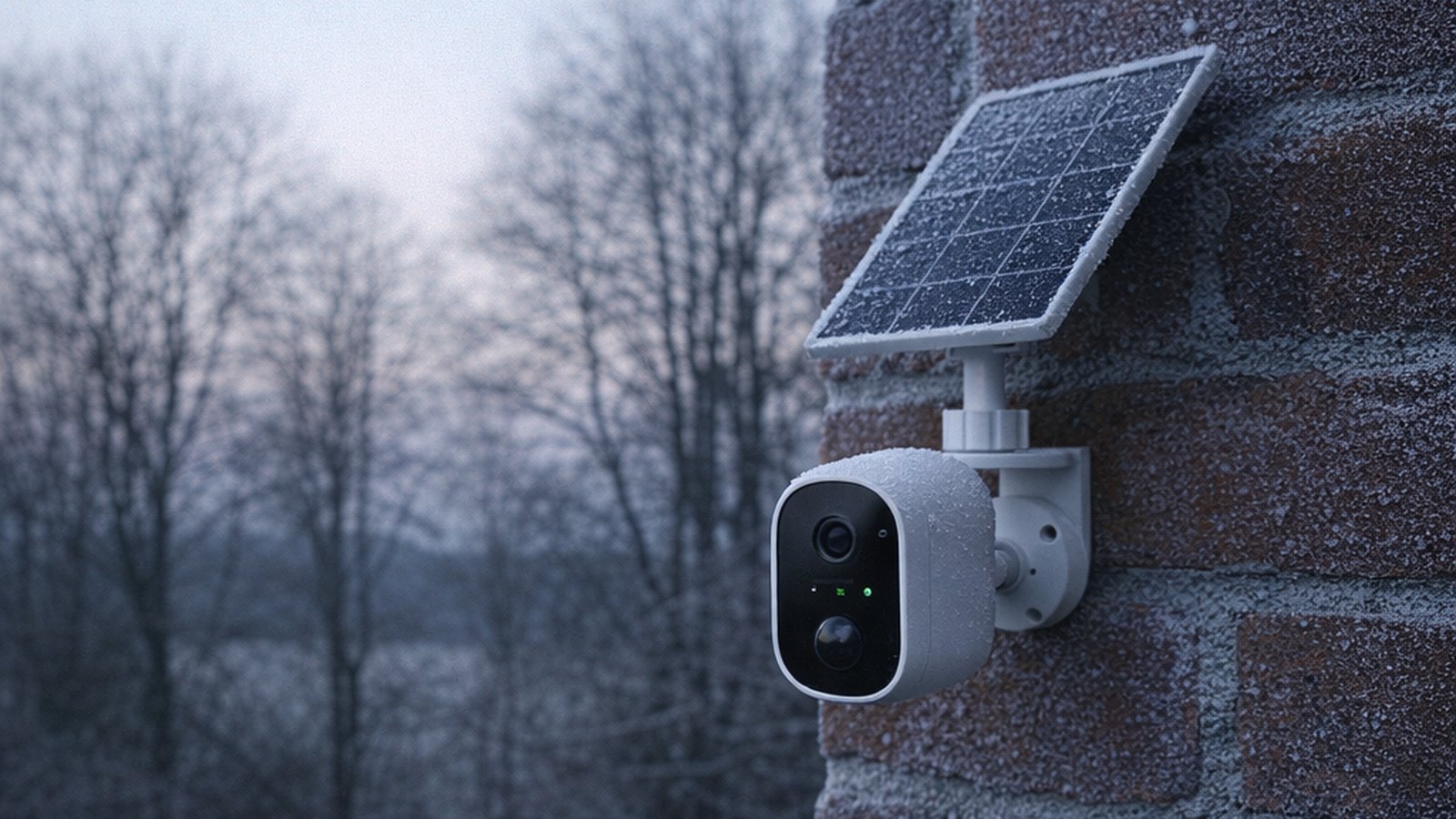
AI-generated illustration
Battery cameras are brilliant because you can put them almost anywhere. But if yours is going flat every couple of weeks, something in the setup is making it work too hard. These are the fixes that make the biggest difference, starting with the most common.
1. Stop watching the live view so often
This is the big one. Every time you open the live view, the camera wakes up and streams video, which uses far more power than waiting for motion. Checking it several times a day can flatten a battery in days.
Fix: let the camera do the work. Trust the alerts, and only open the live view when you get a notification.
2. Turn the motion sensitivity down
If the sensitivity is set high, the camera wakes up for every passing car, swaying branch, cat and change in light. Each of those is a recording and a drain on the battery.
Fix: lower the sensitivity a step or two, then walk past the camera to check it still picks you up.
3. Set activity zones and person detection
Most cameras let you draw zones so they ignore areas such as the road or a neighbour’s drive, and detect people only rather than any movement.
Fix: set a zone around the area you care about, such as your drive or path, and switch on person detection.
4. Shorten the clip length
Long recordings use more power. A camera set to record 60 seconds for every event uses much more battery than one set to 15 or 20 seconds.
Fix: set a shorter clip length, or let the camera stop recording when the motion ends, if it has that option.
5. Improve the Wi-Fi signal
A camera on a weak Wi-Fi signal has to work harder to send video, which drains the battery faster.
Fix: check the signal at the camera with your phone. Move the router, the camera, or add a mesh point or extender closer to it. See security camera won’t connect to Wi-Fi.
6. Expect less in winter
Batteries hold less charge in the cold, and nights are longer, so the camera’s night vision and any spotlight run for longer. It is normal for battery life to drop between November and February.
Fix: charge the battery fully before the cold sets in, and consider turning off the spotlight if the infrared night vision is good enough for you.
7. Add a solar panel, in the sun
A small solar panel can keep a camera topped up almost indefinitely, but only if it gets direct sunlight. A panel in the shade does very little, especially in winter.
Fix: mount the panel where it gets sun for most of the day, ideally facing south, and keep it clean. Many cameras sell a matching panel — such as the Reolink solar panel (fits Reolink Argus cameras) or the eufy solar panel (fits eufyCam 2, 3 and S series). Check it is compatible with your camera model.
As an Amazon Associate I earn from qualifying purchases.
Still draining?
- Update the camera’s firmware in the app. Updates often improve battery life.
- Check the battery health. Rechargeable batteries wear out over a few years.
- Consider a plug-in or wired camera for busy spots like a front door on a busy road. See wired vs wireless CCTV.
If the battery is fine but alerts are not arriving, see camera notifications not working. For other common problems, see home CCTV setup mistakes.
Common questions
How long should a security camera battery last?
Does watching the live view drain the battery?
Does cold weather affect camera batteries?
Will a solar panel stop the battery going flat?
Related guides

Security camera notifications not working? Here is how to fix it
Not getting motion alerts from your eufy, Ring, Tapo or Reolink camera? Work through these 10 fixes, from phone settings to camera modes, in plain English.

Home CCTV setup mistakes: why your cameras aren't working properly
The most common home camera setup mistakes, from Wi-Fi and 4G signal to battery drain and missed alerts, and how to fix each one.

4G solar security cameras: how to choose one and set it up properly
How 4G solar security cameras work, where they make sense, and how to set one up: solar panel placement, signal checks and the right SIM.

Best home CCTV and security cameras UK: no subscription
The best UK home security cameras with no subscription, from budget picks to wired systems. Chosen by a former RAF Police security professional.