The best indoor security cameras in the UK

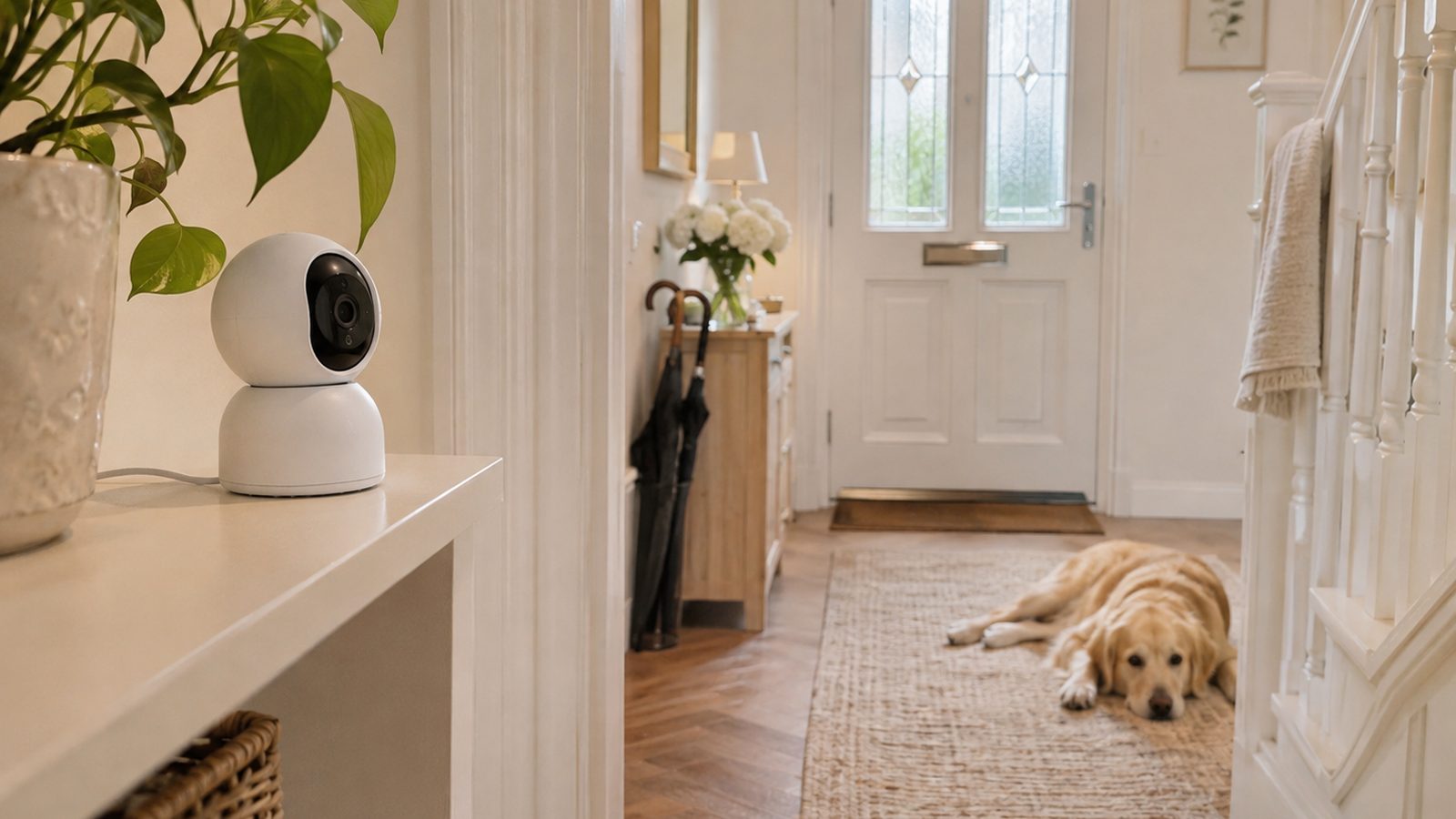
AI-generated illustration
Indoor cameras are the cheapest way to see what is happening at home while you are out — whether that is a break-in, a dog chewing the sofa, or checking an elderly relative is up and about. Most are good. The real differences are where they store footage, whether you pay monthly, and how well they respect your privacy when you are home.
This is a researched comparison, based on products I have reviewed, manufacturer information and published UK reviews. Some links below are Amazon links. If you buy through them we may earn a small commission at no extra cost to you. As an Amazon Associate I earn from qualifying purchases.
Black Friday 2026: Looking for deals right now? See our Black Friday security camera deals for this year’s best picks.
Quick picks
| Best value | Best with no monthly fee | Best for Alexa homes | Best budget | |
|---|---|---|---|---|
| Product | Tapo C220 | eufy Indoor Cam C220 | Ring Indoor Cam (2K) | Blink Mini 2K+ |
| Local storage | microSD | microSD | No | With Sync Module |
| Monthly fee to record | No | No | Yes | Usually |
| Pan and tilt | Yes | Yes | No | No |
| Buy | Amazon | Amazon | Amazon | Amazon |
Reviews
Tapo C220 — best value
The Tapo C220 pan-and-tilt camera lets you look around a whole room from the app, which is far more useful than a fixed lens at a single angle. It records to a microSD card with no monthly fee and supports an optional Tapo Care cloud plan if you want off-site backup.
Picture quality is very good for the price, and the Tapo app handles activity zones, person detection and sensitivity adjustments clearly. This is the indoor camera I would suggest to most people starting out.
eufy Indoor Cam C220 — best with no monthly fee
The eufy C220 is also a pan-and-tilt camera with local microSD storage at no ongoing cost. It works with both Alexa and Google Assistant, which gives it an edge over Tapo for Google Home users. The eufy app is reliable and the detection zones and sensitivity controls are among the best in this price range.
Like the Tapo, the eufy saves all recordings at home without any subscription. Check the current price — the two are closely matched and are often within a few pounds of each other.
eufy Indoor Cam C220 on Amazon
Ring Indoor Cam (2K) — best for Alexa homes
Ring’s indoor camera is straightforward: simple to set up, a clean app, and the smoothest Alexa and Echo Show integration on this list. Ask Alexa to show you the living room and it appears on your Echo Show instantly.
The honest catch is the subscription. To save and watch back any recordings you need a Ring Protect plan. Without it you can only see live view and motion alerts — nothing is saved. Over several years the subscription adds up to more than the camera itself. For a full breakdown of the ongoing cost, see eufy vs Ring.
Ring Indoor Cam (2K) on Amazon
Blink Mini 2K+ — best budget
The Blink Mini 2K+ is the cheapest way to get an indoor camera from a well-known brand. It is small, easy to position on a shelf or windowsill, and the 2K picture is noticeably sharper than older Blink models.
The storage situation needs thought. To save clips you either need a Blink subscription or a Blink Sync Module with a USB stick plugged in for local storage. The camera alone, without a subscription or a Sync Module, will not save recordings. Check the current price and factor in whichever storage option suits you.
Monthly fees: the hidden cost
Tapo and eufy both save recordings to a memory card inside the camera with no monthly charge. Ring always requires a subscription to save video. Blink can avoid a subscription if you buy a Sync Module and use a USB stick for local storage, but it adds cost upfront.
Over three or four years, the difference in ongoing cost between a free-local-storage camera and a subscription camera can be substantial. If avoiding a monthly bill matters, see our full guide to security cameras with no monthly fee.
Where to put an indoor camera
- Hallway facing the front door: covers arrivals, departures and anyone forcing the door.
- Main living area covering the back door or garden doors: the route most used in burglaries.
- Never in bathrooms or bedrooms used by other people. This applies even in your own home.
- Not pointing out of a window at night. The infrared lights reflect off the glass and the picture is useless. Use an outdoor camera for that instead — see window security cameras: do they actually work?
Privacy at home
An indoor camera records your home life as well as intruders. A few simple habits make a real difference.
- Use home/away modes or geofencing so the camera only records when the house is empty.
- Tell everyone who lives in or visits regularly — including cleaners, carers and lodgers. They have a right to know.
- Turn audio off if you do not need it. Sound is more intrusive than video.
- Strong password and two-factor login on every account.
For what the law requires, see UK CCTV laws for homeowners.
Pets, babies and older relatives
Indoor cameras work well for checking on a dog or cat during the day. For babies, a camera is a useful addition but is not a substitute for a proper baby monitor with audio and temperature alerts. For older relatives, two-way talk, pan-and-tilt and sound alerts are the most useful features to look for. Again, not a replacement for a dedicated care alarm or fall sensor.
Setup tips
Most indoor cameras use 2.4GHz Wi-Fi. If yours will not connect, see security camera won’t connect to Wi-Fi — the 2.4GHz band fix sorts the majority of connection problems. If the camera connects but alerts are not arriving, see security camera notifications not working.
My verdict
For most homes: Tapo C220. Good picture, pan and tilt, no monthly fee, and genuinely easy to set up.
eufy C220 if you prefer eufy’s app or Google Home support. Ring if you have Echo Shows throughout the house and are comfortable paying the yearly subscription. Blink Mini 2K+ if price is the only priority and you will pick up a Sync Module for local storage.
Looking at outdoor cameras too? See the best outdoor security cameras. Comparing eufy and Ring in more detail? See eufy vs Ring.
Want no-subscription cameras across the full Tapo range? See best Tapo cameras.
Common questions
Do indoor security cameras need a subscription?
Where is the best place for an indoor security camera?
Can indoor cameras see through windows at night?
Is it legal to have cameras inside my house?
Related guides

Best home CCTV and security cameras UK: no subscription
The best UK home security cameras with no subscription, from budget picks to wired systems. Chosen by a former RAF Police security professional.

Eufy vs Ring: which security cameras should you buy?
Eufy or Ring? A straight comparison of subscriptions, storage, privacy and setup from a security professional, so you know which suits your home before you buy.

Window security cameras: do they actually work at night?
Why cameras go white at night through glass, what window cameras do differently, and how to get a usable picture without drilling outside.