Which eufy camera or doorbell should you buy? A simple guide

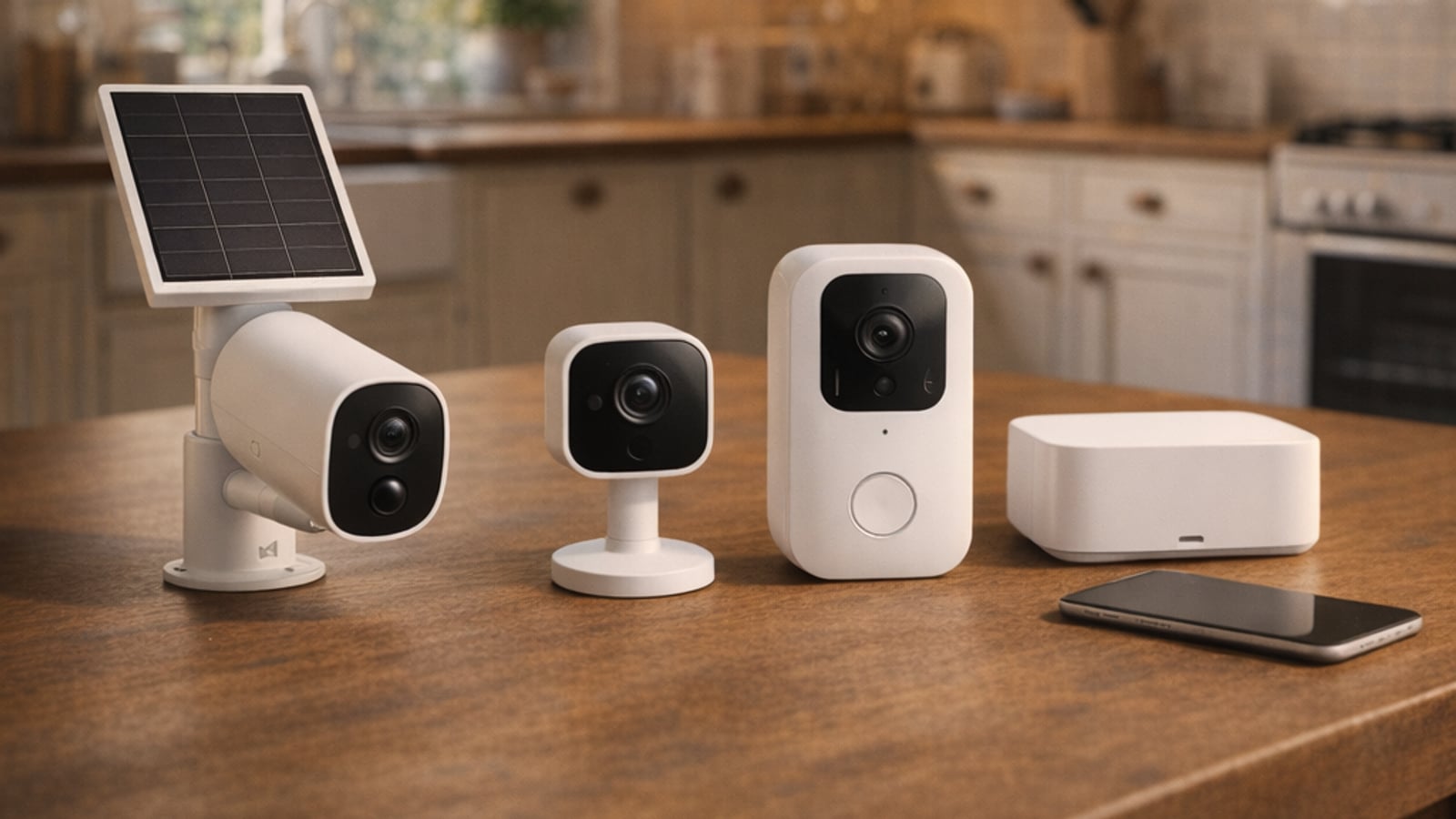
AI-generated illustration
eufy is one of the most popular home security brands in the UK, and for good reason. The cameras are good, and you do not need a monthly subscription. The problem is choice. There are dozens of models with similar names. This guide cuts it down to the ones most homes actually need.
Some links below are Amazon links. If you buy through them we may earn a small commission at no extra cost to you. As an Amazon Associate I earn from qualifying purchases.
First: HomeBase or no HomeBase?
A HomeBase is a small box that plugs into your router. It stores video from several eufy cameras in one place and can boost their range.
- Some eufy cameras store video on the camera itself. No HomeBase needed. Simpler and cheaper for one or two cameras.
- Some work with, or need, a HomeBase. Better if you want three or more cameras all recording to one place.
My rule of thumb: one or two cameras, choose models that store on the camera. Three or more, a HomeBase setup is worth it.
The eufy doorbells
| Doorbell | Best for | Power |
|---|---|---|
| eufy C30 | Budget, simple setup | Battery |
| eufy E340 | Best all-rounder, parcel view | Battery or wired |
| eufy S330 | Premium, works with HomeBase | Check the model |
eufy E340. My pick for most homes. Two cameras, one looking down at the doorstep for parcels, plus built-in storage. eufy E340 on Amazon
eufy C30. Cheaper and simpler. A good first doorbell. eufy C30 on Amazon
The eufy outdoor cameras
eufy SoloCam S340. Wireless, with a built-in solar panel, and stores video on the camera. Ideal for the drive, side passage or back garden. This is the one I recommend most often. eufy SoloCam S340 on Amazon
eufy SoloCam S220. A cheaper solar camera with a simpler single lens. Good for a side gate or shed. eufy SoloCam S220 on Amazon
eufy Floodlight Cam E340. A camera and a bright floodlight in one. Lights up the drive and records in colour at night. Needs wiring to power. eufy Floodlight Cam E340 on Amazon
eufyCam S330 (eufyCam 3) kit. A multi-camera system with a HomeBase. Best for larger homes that want several cameras all recording to one place. eufyCam S330 kits on Amazon
The eufy indoor cameras
eufy Indoor Cam C220. A small plug-in camera that turns to follow movement. Good for keeping an eye on pets, or the hallway while you are away. eufy Indoor Cam C220 on Amazon For a comparison of indoor and pet cameras across brands, see the best indoor and pet cameras.
Example setups
| Your home | What I would buy |
|---|---|
| Flat or small house | eufy E340 doorbell + 1 SoloCam S340 |
| Semi or detached | eufy E340 doorbell + 2 SoloCam S340 (drive and back) |
| Larger home or long drive | eufy E340 doorbell + Floodlight Cam E340 + eufyCam S330 kit |
Do you need a cloud plan?
Most of these brands also sell an optional cloud plan: eufy has its own, Tapo has Tapo Care, and Reolink has Reolink Cloud. Unlike Ring, you do not have to pay to save video. Footage saved at home works fine for most people.
A cloud plan is worth thinking about if:
- you worry a burglar could take the camera, memory card or home base, and the footage with it
- you want clips kept safe even if the camera is damaged
- you want a longer history than your storage holds
From a security point of view, that first point is the real risk with home storage: losing the evidence along with the device. A cloud plan solves it, and so does mounting cameras out of easy reach.
My advice: start without one. If you later want extra protection, add a cloud plan for your one most important camera, usually the front door. Check the current price in the app, and look for a free trial first.
A word on privacy
eufy keeps your footage at home by default, which is a big plus. To be fair and open: in 2022 eufy was criticised for sending some image thumbnails to the cloud, despite promoting local storage. It changed its settings and wording afterwards. When you set up, check the privacy settings in the app and switch off anything you do not want.
Before you buy
- Check the Wi-Fi reaches where the camera will go. See security camera won’t connect to Wi-Fi.
- Put solar panels in direct sun. See battery draining fast.
- Plan where each camera goes. See where CCTV cameras should go.
Comparing brands? See eufy vs Reolink and Ring vs eufy vs Tapo doorbells.
Common questions
Does eufy need a subscription?
What is a eufy HomeBase?
Which eufy doorbell is best?
Which eufy camera is best for outside?
Is eufy safe and private?
Related guides

eufy vs Reolink: which should you buy for a UK home?
eufy or Reolink? A straight comparison on storage, monthly fees, smart home and privacy — so you know which suits your home before you buy.

Best home CCTV and security cameras UK: no subscription
The best UK home security cameras with no subscription, from budget picks to wired systems. Chosen by a former RAF Police security professional.

Ring vs eufy vs Tapo doorbells: which should you buy?
Ring, eufy and Tapo video doorbells compared for UK homes: subscription costs, storage, chimes and battery life — with an honest verdict.

Which Arlo Camera to Buy? Simple UK Guide (2026)
Arlo's range explained in plain English: Essential 3, Pro 6 and Go 2, what the subscription really costs you, and which camera suits your home.